Run every job from request to invoice
Turn an inbound email request into a scheduled, tracked, and invoiced job without retyping a thing. GenLedge runs the full service order lifecycle: parts consumed on site, subcontractors brought onto the job, warranty returns handled in the field, and custody receipts closed out. One record carries the work from first request to final invoice.
Service orders created from inbound email
Request to a completed, invoiced job
Warranty returns handled in the field
Parts and subcontractor cost tracked per job
Explore Service Order / Job
Everything below is a working part of the platform. Pick a capability to see what it does.
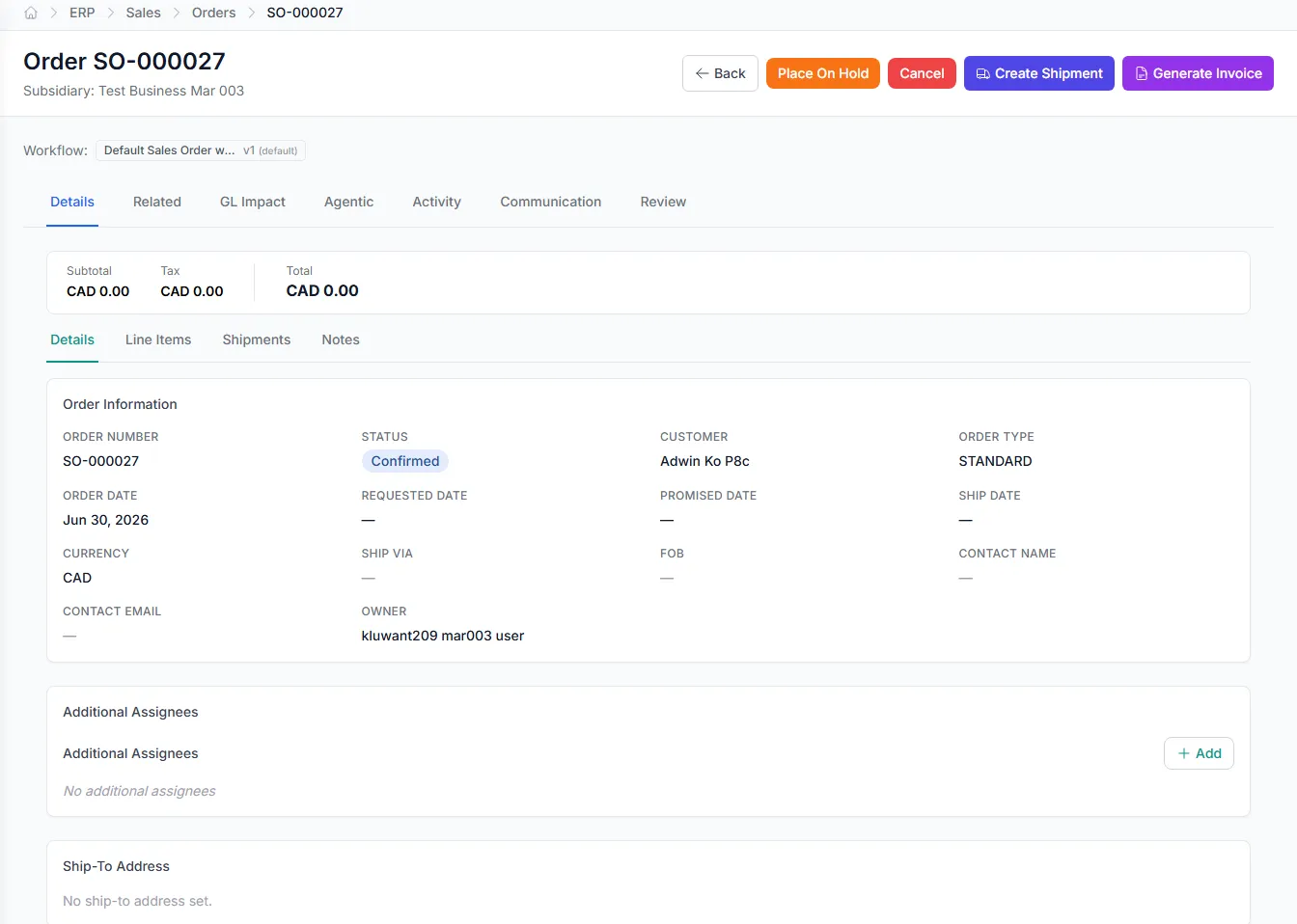
Service orders that start from an email
An inbound service request lands in your inbox and becomes a structured service order, with customer, site, and issue captured without manual data entry.
- Create service orders straight from inbound email
- Customer, site, and issue parsed into fields
- Review and confirm before the job opens
- No re-keying request details by hand
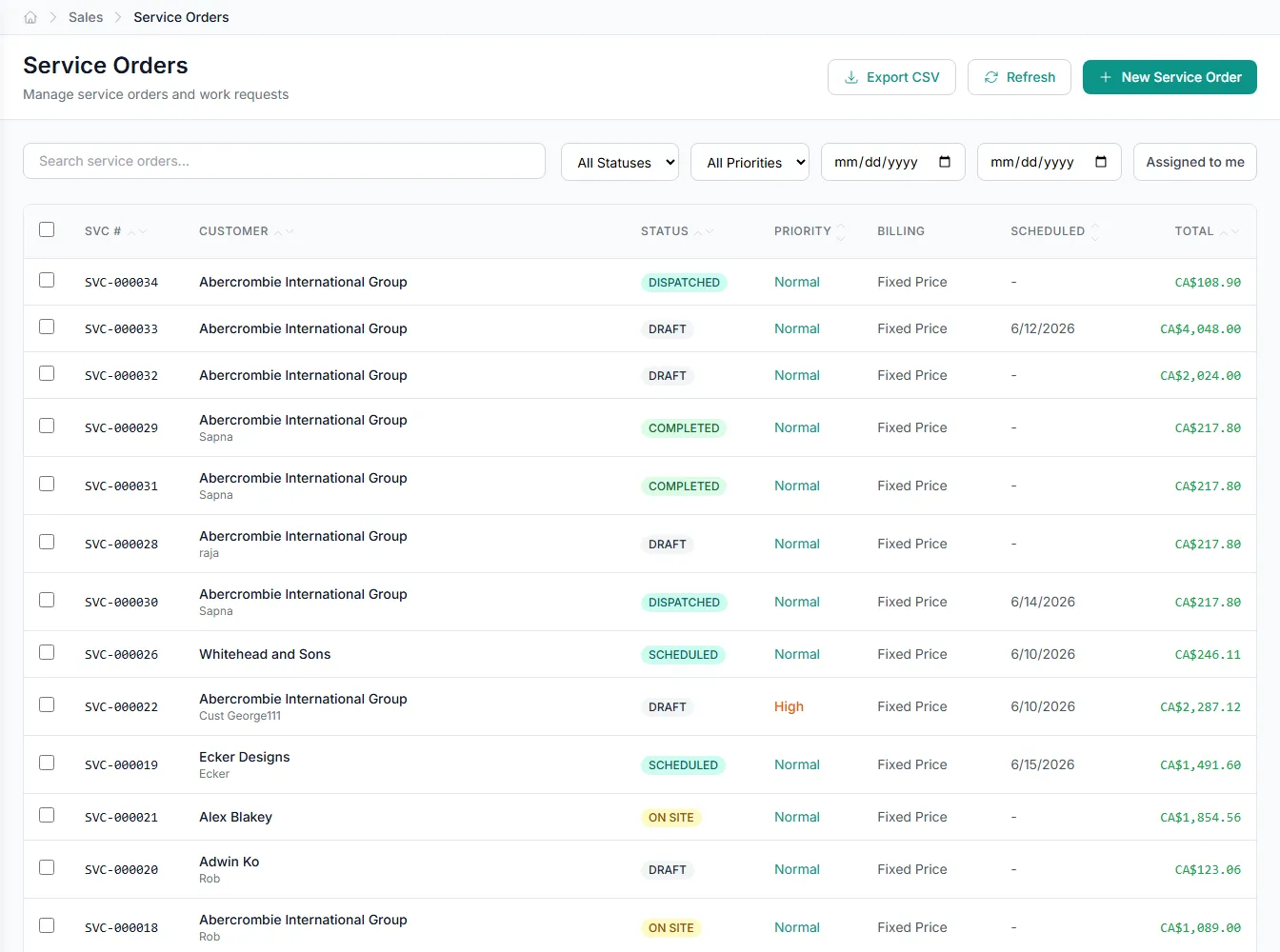
From inbox to opened job, automatically
Service requests rarely arrive as tidy forms; they show up as email. GenLedge reads the inbound request and drafts a service order with the customer, site, and issue already filled in, so you confirm instead of type.
- Inbound email becomes a draft service order
- Request details captured without re-keying
- You review and open the job in a click
Everything the job cost, on one record
Parts consumed, subcontractor work, and warranty returns all attach to the same service order. The job carries its own full picture, so when it is time to invoice, the cost of the work is already there.
- Parts, subcontractors, and returns on one job
- Material and labor cost tracked as work happens
- Invoice from a record that is already complete
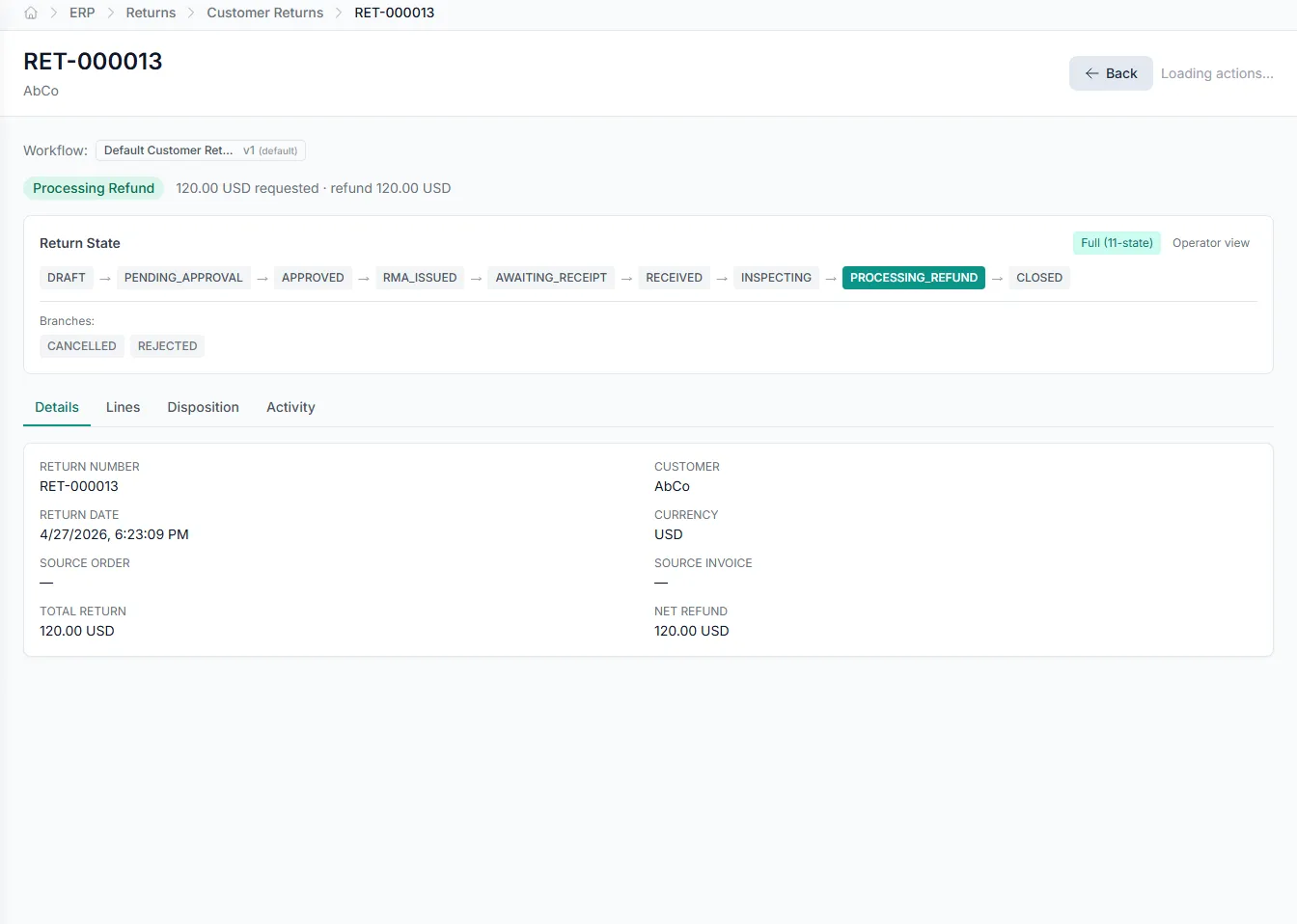
A clean paper trail for the field
Field work generates hand-offs, from parts returned under warranty to custody items given back. GenLedge captures return receipts against the job, so every exchange is documented on the record instead of a slip of paper.
- Warranty returns logged on site, on the job
- Custody return receipts tied to the order
- Documented hand-offs instead of loose paper
Built into Service Order / Job
Email intake
Turn an inbound email request into a structured service order.
Job lifecycle
Move each job through clear stages from open to invoiced.
Parts consumed
Record the parts used on a job against the service order.
Subcontractor flow
Assign and track subcontracted work on the same job.
Warranty returns
Process warranty returns on site, tied to the originating job.
Custody receipts
Capture custody return receipts when items are handed back.
Integrates with your existing tools


Questions about Service Order / Job
When a service request arrives by email, GenLedge reads it and drafts a service order with the customer, site, and issue filled in. You review the draft and open the job, with no manual re-keying of the request details.
See Service Order / Job on your own data
Book a free AI workshop and we'll set up a sandbox with your real data so you can judge it for yourself, before you commit to anything.