Optimize what you pay out, apply what comes in
GenLedge Payment Management runs both sides of cash: vendor payments going out and customer payments coming in. Optimize outflow timing and early-pay discounts, group many payments into a single batch, and apply incoming cash to open invoices automatically. One product for what you pay and what you collect.
Pay vendors, collect from customers
Pay many bills in one run
Inflows matched to open invoices
Timing and early-pay discounts
Explore Payment Management
Everything below is a working part of the platform. Pick a capability to see what it does.
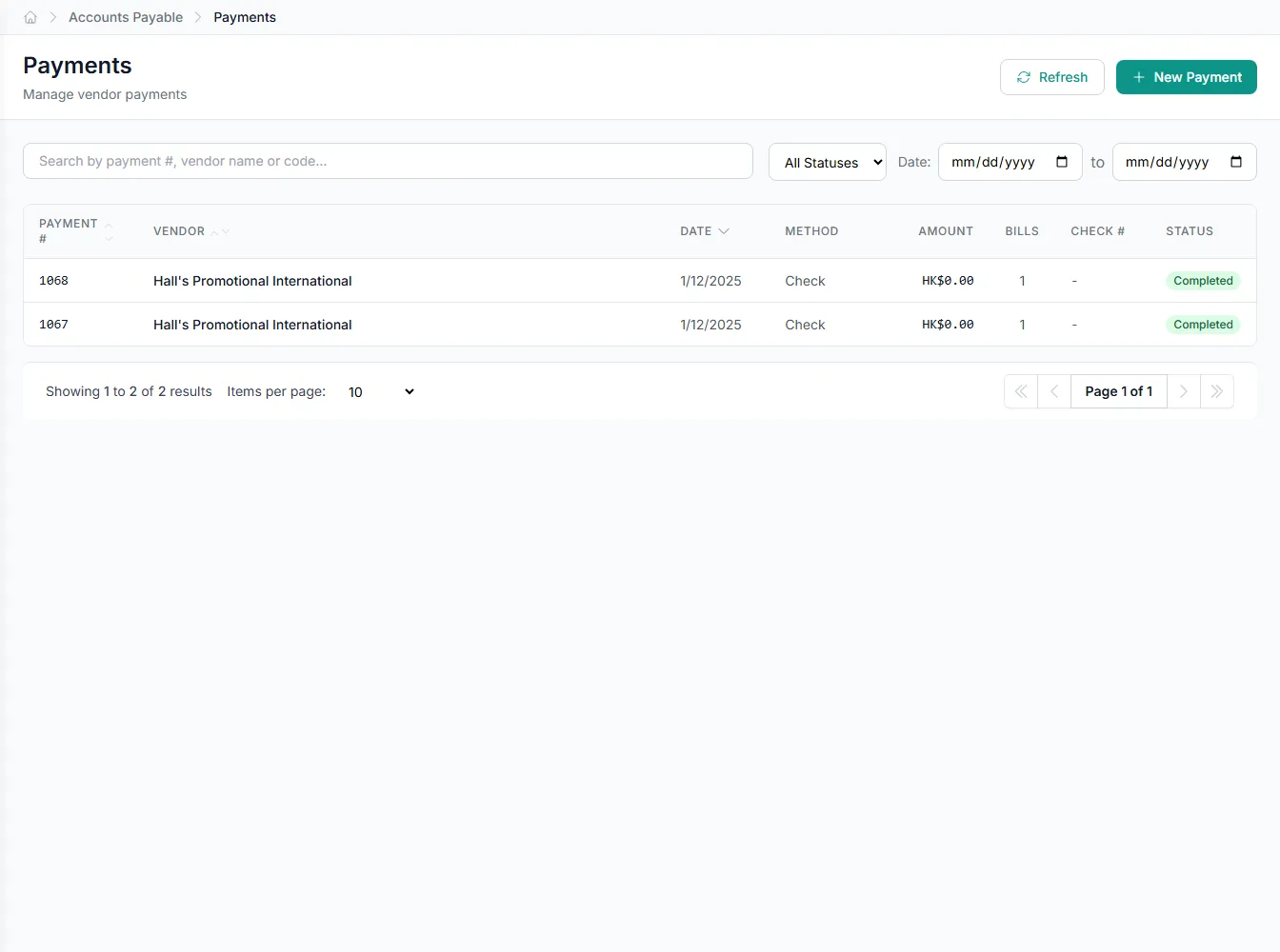
Pay vendors from one workspace
Create and track vendor payments against open bills, with full history on every VendorPayment.
- Pay against open vendor bills
- Track status on every VendorPayment
- See what's due versus paid
- Full audit trail per payment
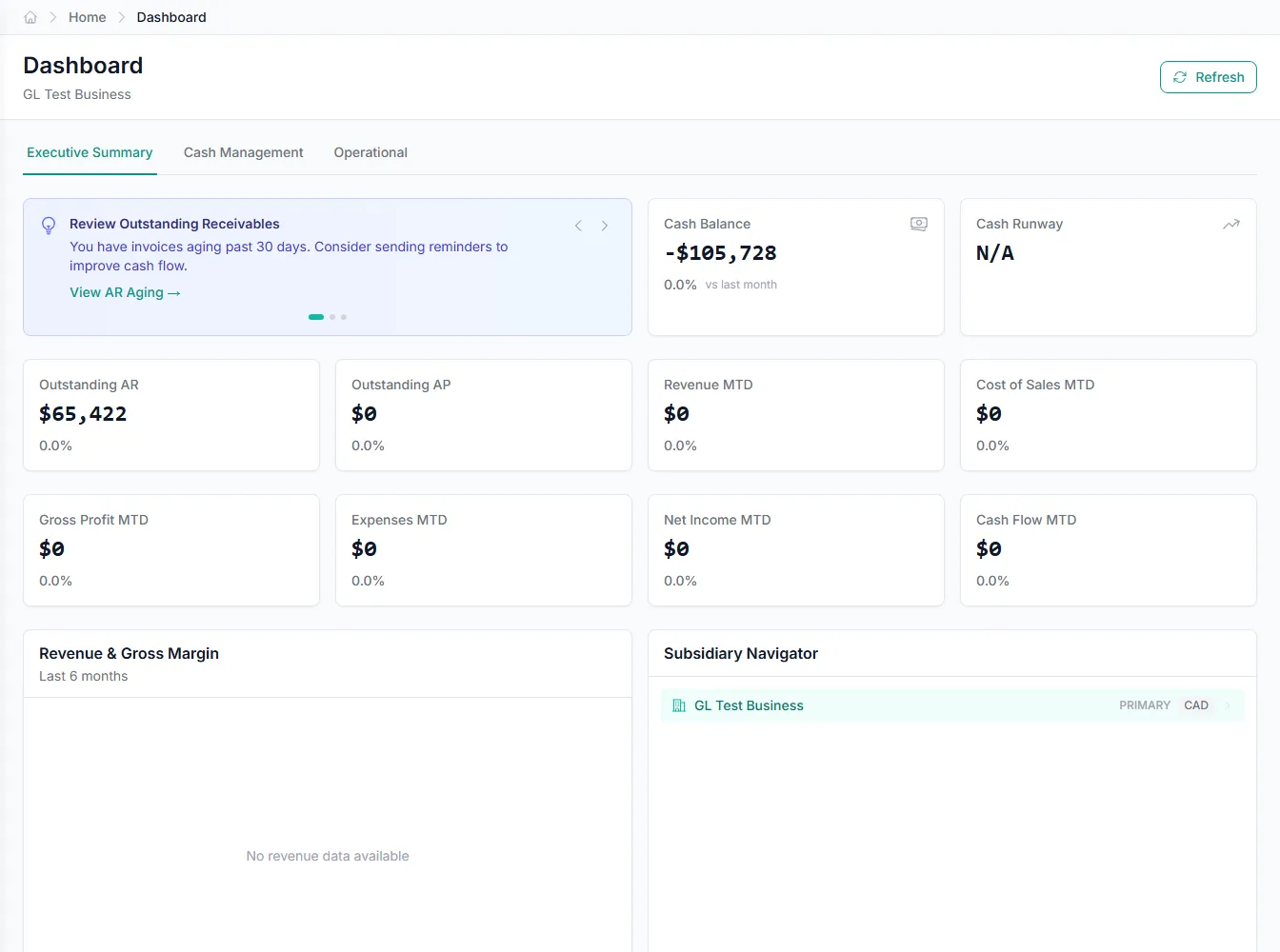
Optimize every outflow
PaymentOptimizationController looks at each bill's due date, terms, and early-pay discount, then recommends when to pay. You hold cash as long as it makes sense and still capture the discounts worth taking. Timing and savings get decided together, not in separate spreadsheets.
- Recommended pay dates from the optimizer
- Early-pay discount capture built in
- Balance cash-on-hand against payment terms
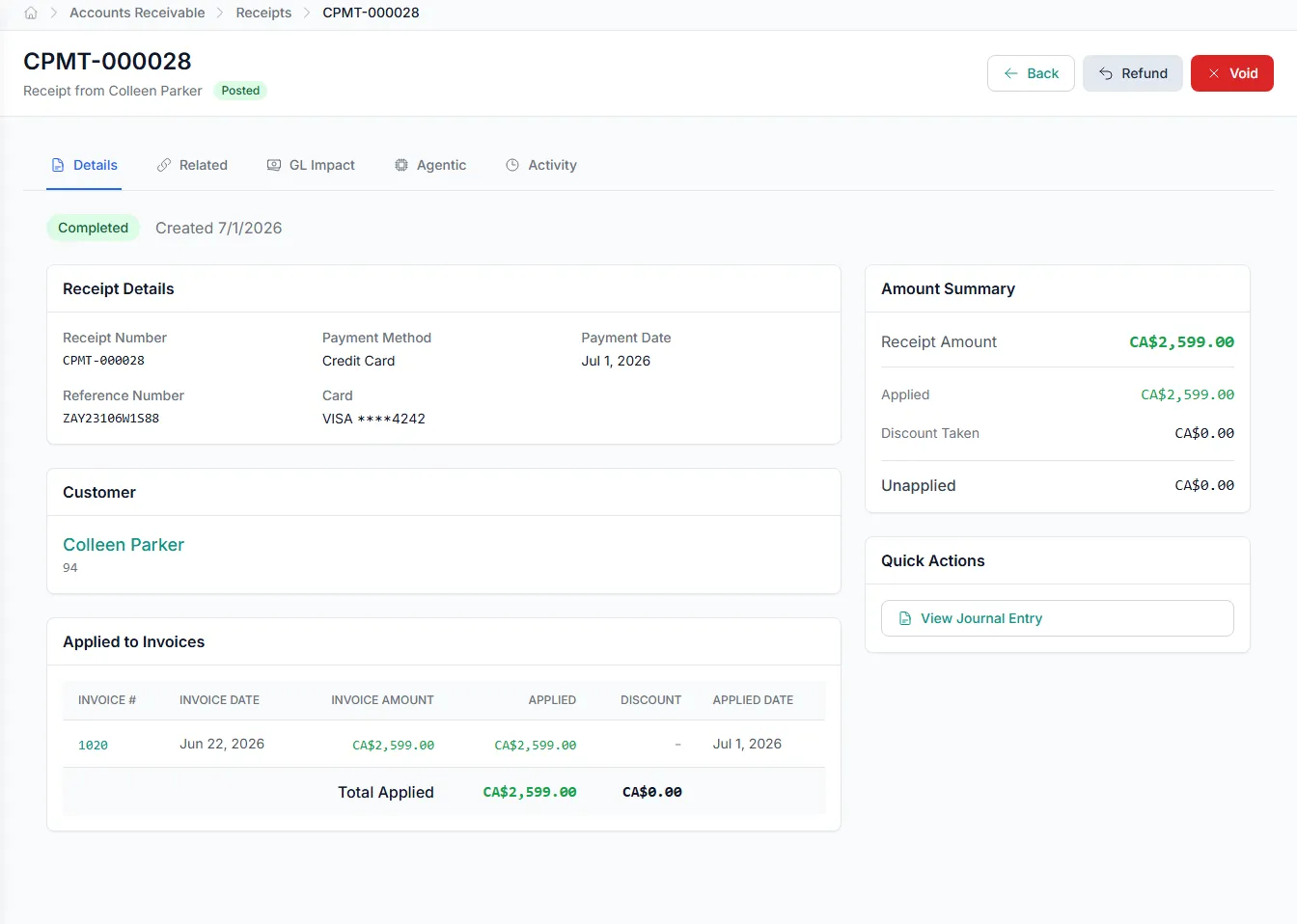
Apply inflows without the busywork
Every CustomerPayment is captured as it arrives, and payment application matches it to open invoices automatically. Partial payments and multi-invoice receipts are handled cleanly. Receivables stay current without anyone matching receipts by hand.
- Inflows matched to open invoices
- Partial and multi-invoice receipts handled
- Receivables balances stay current
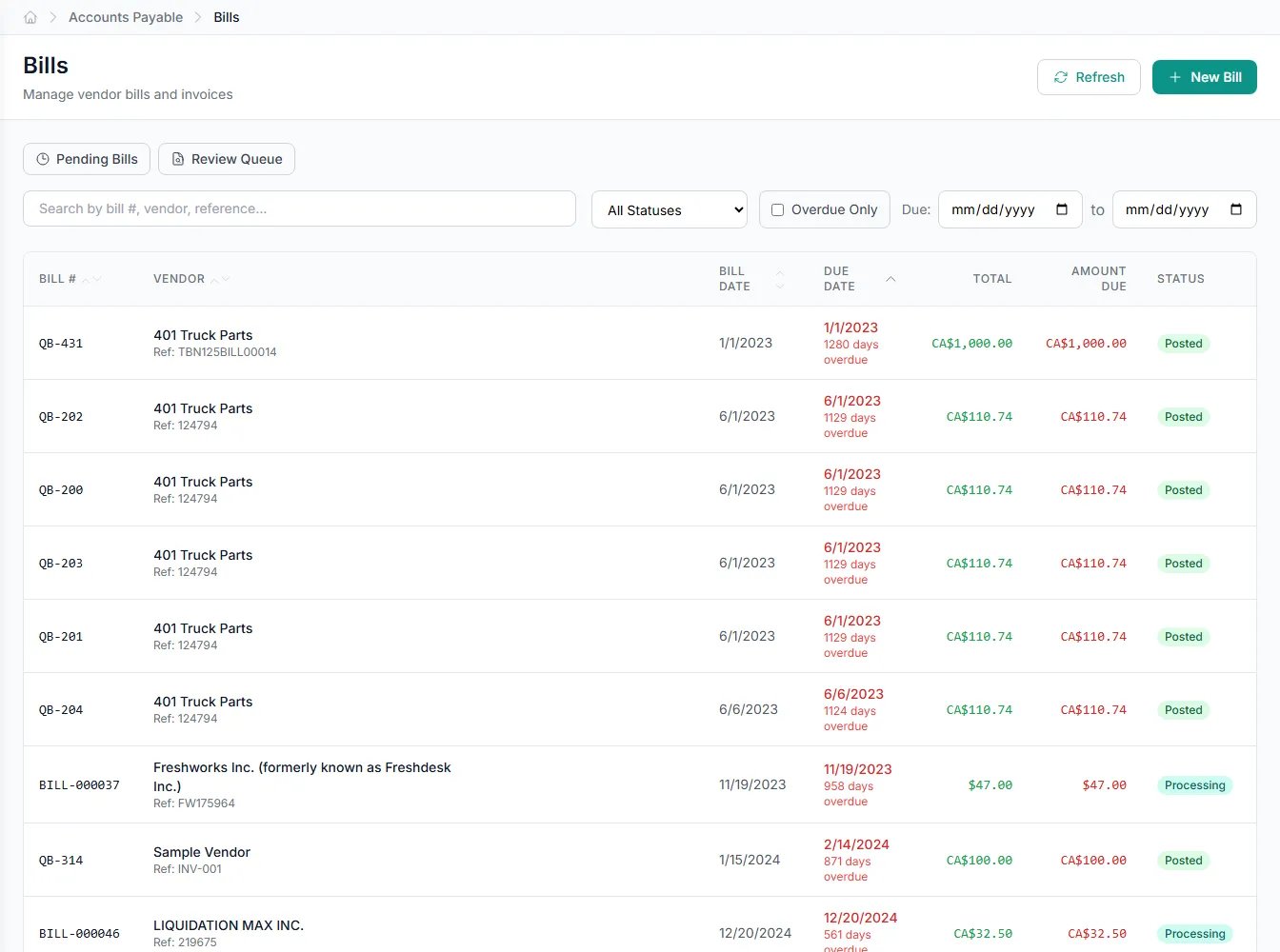
Pay in batches, not one at a time
Pull many vendor bills into a single PaymentBatch and release them in one run. Review the batch total before anything leaves the account. It replaces slow, one-by-one vendor payments with a single reviewed action.
- Many vendor payments in one PaymentBatch
- Review batch totals before release
- One run instead of one-by-one
Built into Payment Management
Vendor payments
Pay suppliers and track every VendorPayment against open bills in one place.
Customer payments
Record incoming customer payments as they arrive to keep receivables current.
Batch payments
Group many vendor payments into a single PaymentBatch and release them together.
Payment timing
Get recommended pay dates that hold cash without missing vendor terms.
Early-pay discounts
Surface and capture discounts for paying vendors early before they lapse.
Payment application
Match incoming cash to open invoices automatically, including partial receipts.
Integrates with your existing tools


Questions about Payment Management
Yes. Payment Management runs vendor payments for accounts payable and customer payments for accounts receivable in the same product. Outflows are recorded as VendorPayments and inflows as CustomerPayments, so both sides of cash live together.
See Payment Management on your own data
Book a free AI workshop and we'll set up a sandbox with your real data so you can judge it for yourself, before you commit to anything.