Reconcile every bank line, review only the exceptions
GenLedge pulls in bank transactions through Plaid feeds or file import, matches them against your AP and AR payments automatically, and surfaces only the items that don't clear. Your team reviews exceptions instead of ticking off statement lines by hand.
Bank lines cleared without manual ticking
Live bank data plus file-based import
Matched to both payables and receivables
Only unmatched items reach a person
Explore Account Reconciliation
Everything below is a working part of the platform. Pick a capability to see what it does.
Bring in every bank transaction
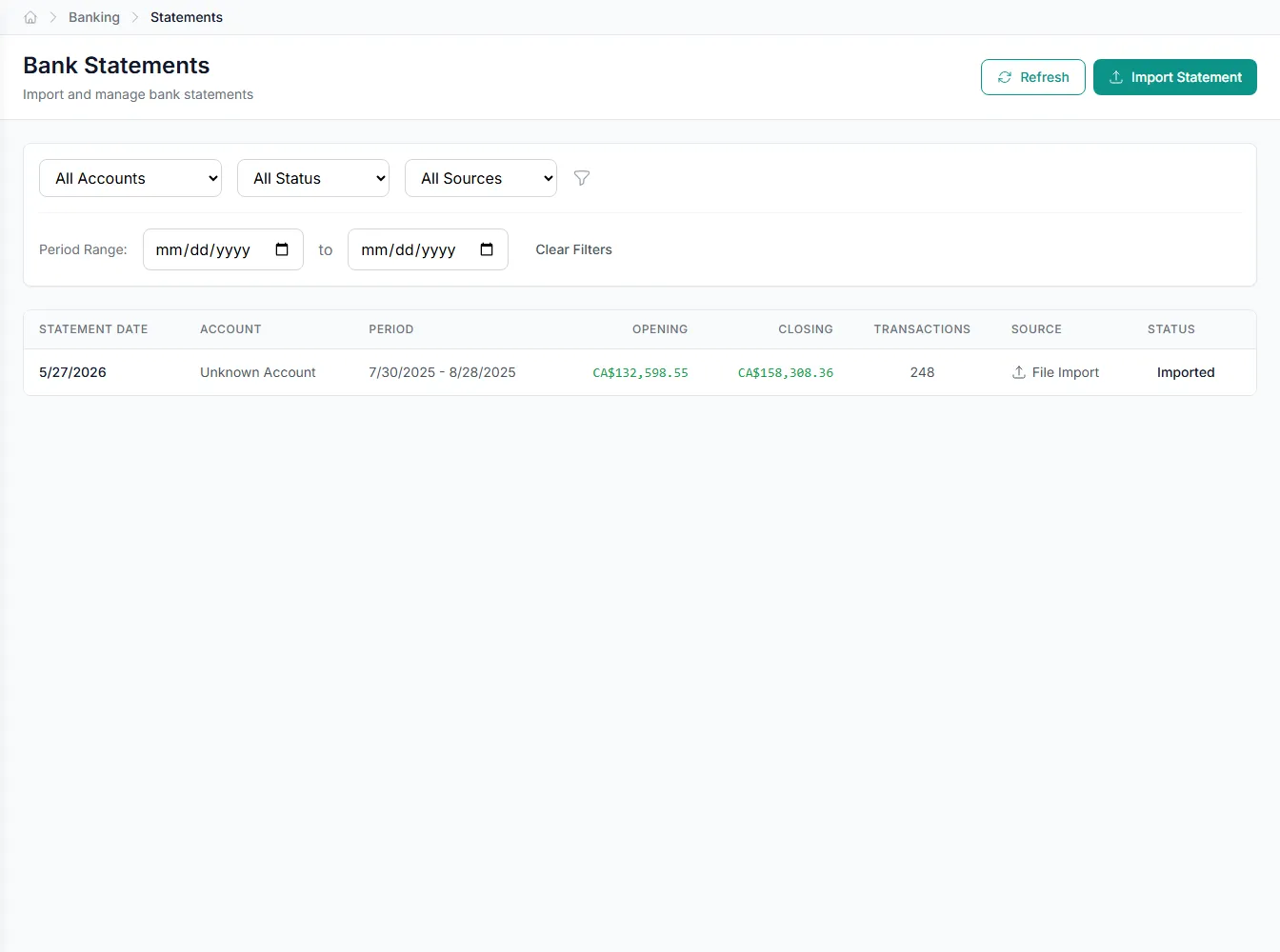
Connect accounts through Plaid for live feeds, and import statements from banks that don't offer one. GenLedge stores each BankStatement and BankTransaction ready to match.
- Live Plaid feeds for connected accounts
- File import for banks without Plaid
- Every statement stored as structured data
Auto-match first, people second
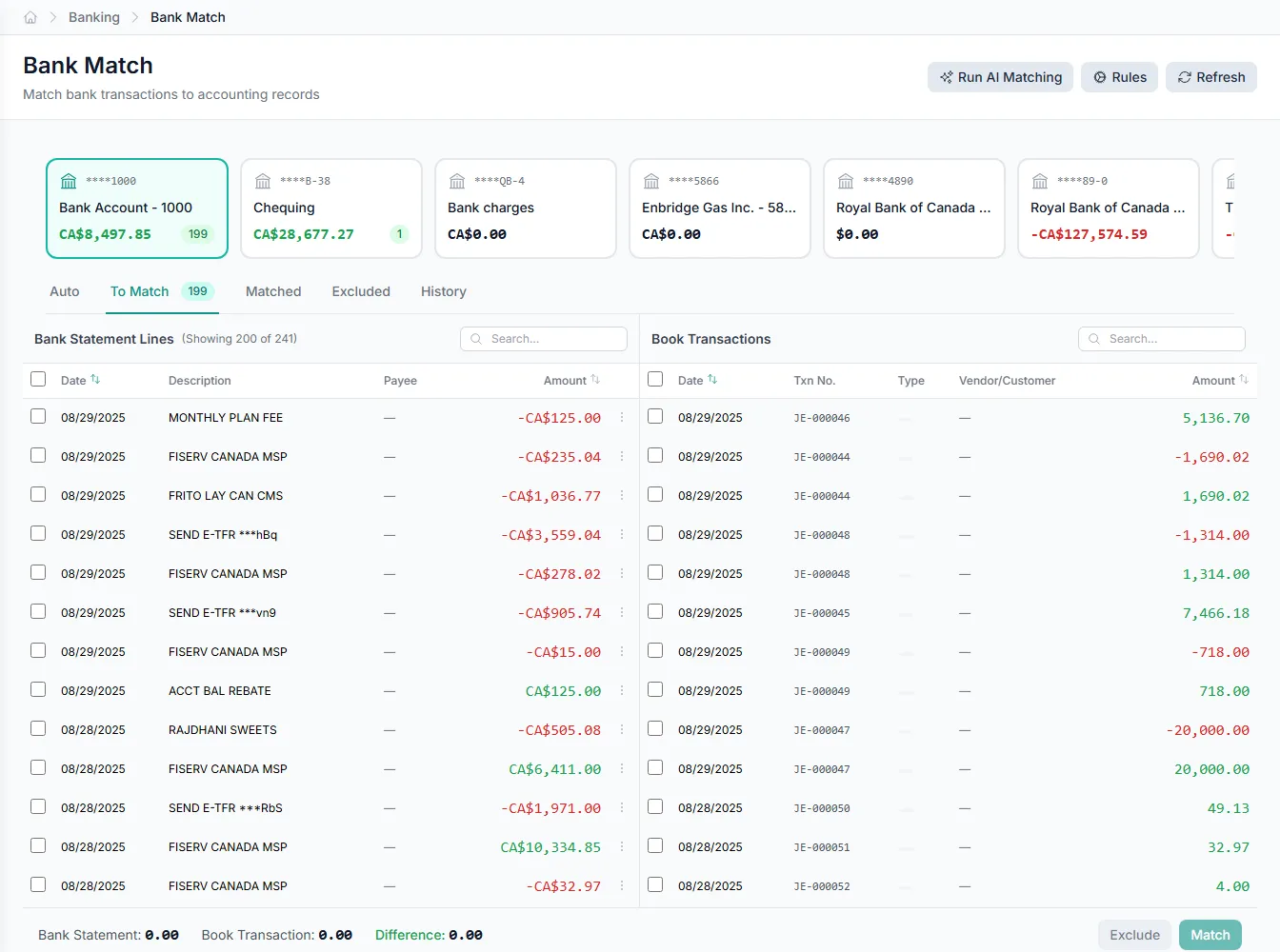
GenLedge runs matching rules across incoming bank transactions and records every result as a TransactionMatch. Lines that pair cleanly clear on their own, so nobody ticks off a statement by hand. What's left is a focused set of exceptions.
- Rules pair lines without manual work
- Clean matches clear automatically
- People handle only the exceptions
Bank data in, however your bank sends it
Connected accounts stream through Plaid feeds. For banks without a feed, StatementFormatConverter reads their statement files into the same structure. Either way, transactions land ready to match.
- Plaid feeds for connected accounts
- StatementFormatConverter for the rest
- One consistent shape for every source
Cash tied to the payments it settles
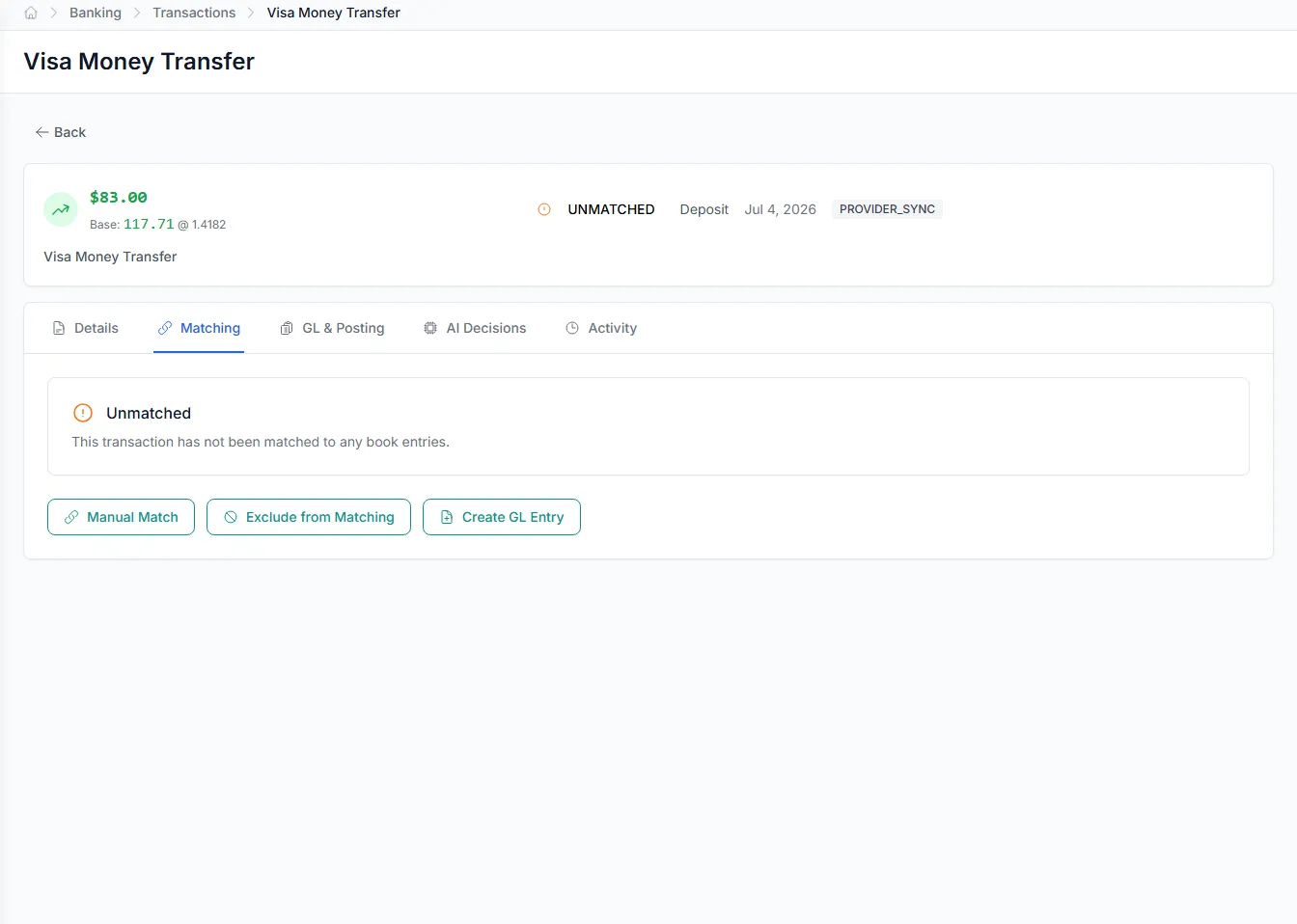
MatchToPaymentBridgeService connects bank transactions to AP and AR payments. A cleared deposit points to the AR payment received; a cleared debit points to the AP payment made. Reconciliation stops being a guessing game.
- Deposits matched to AR payments
- Debits matched to AP payments
- Every match stored as a record
Built into Account Reconciliation
Plaid bank feeds
Stream live transactions from connected accounts through Plaid.
Statement conversion
Ingest banks without a feed using StatementFormatConverter.
Matching rules
Set the rules that pair bank lines with your records.
AP and AR bridge
Link bank transactions to the payments they settle.
Classification batches
Categorize groups of transactions together in a single run.
Exception-only review
People see only the lines that don't match.
Integrates with your existing tools


Questions about Account Reconciliation
Connected accounts stream in through Plaid feeds. For banks that don't offer a feed, StatementFormatConverter reads their statement files into the same BankTransaction structure. Both routes end up ready to match.
See Account Reconciliation on your own data
Book a free AI workshop and we'll set up a sandbox with your real data so you can judge it for yourself, before you commit to anything.