Every field job, invoiced from what your techs actually did
A service request comes in, your technician does the work, and GenLedge turns their completion report (emails, forms, photos, timesheets) into an accurate invoice. Labor, parts, travel, and fees are billed from what actually happened on site. Jobs get invoiced fast and right, without the office re-keying a thing.
handled end to end
labor, parts, travel, and fees
captured straight from the field
before any invoice sends
What happens, step by step
Here's what happens from the first service request to a ready invoice.
- 1
A request arrives
A service request comes in by email, form, or message, and GenLedge picks it up.
- 2
It's recognized as a job
GenLedge sees it's a service job and gets it moving, so nothing sits waiting.
- 3
The work gets done
Your technician heads out and handles the job on site.
- 4
Completion is captured
Photos, timesheets, materials, and field notes are pulled together automatically.
- 5
The invoice is built
Labor, parts, and travel are billed from what your technician actually did.
- 6
It's sent for review
The finished invoice comes to you to approve before it reaches the customer.
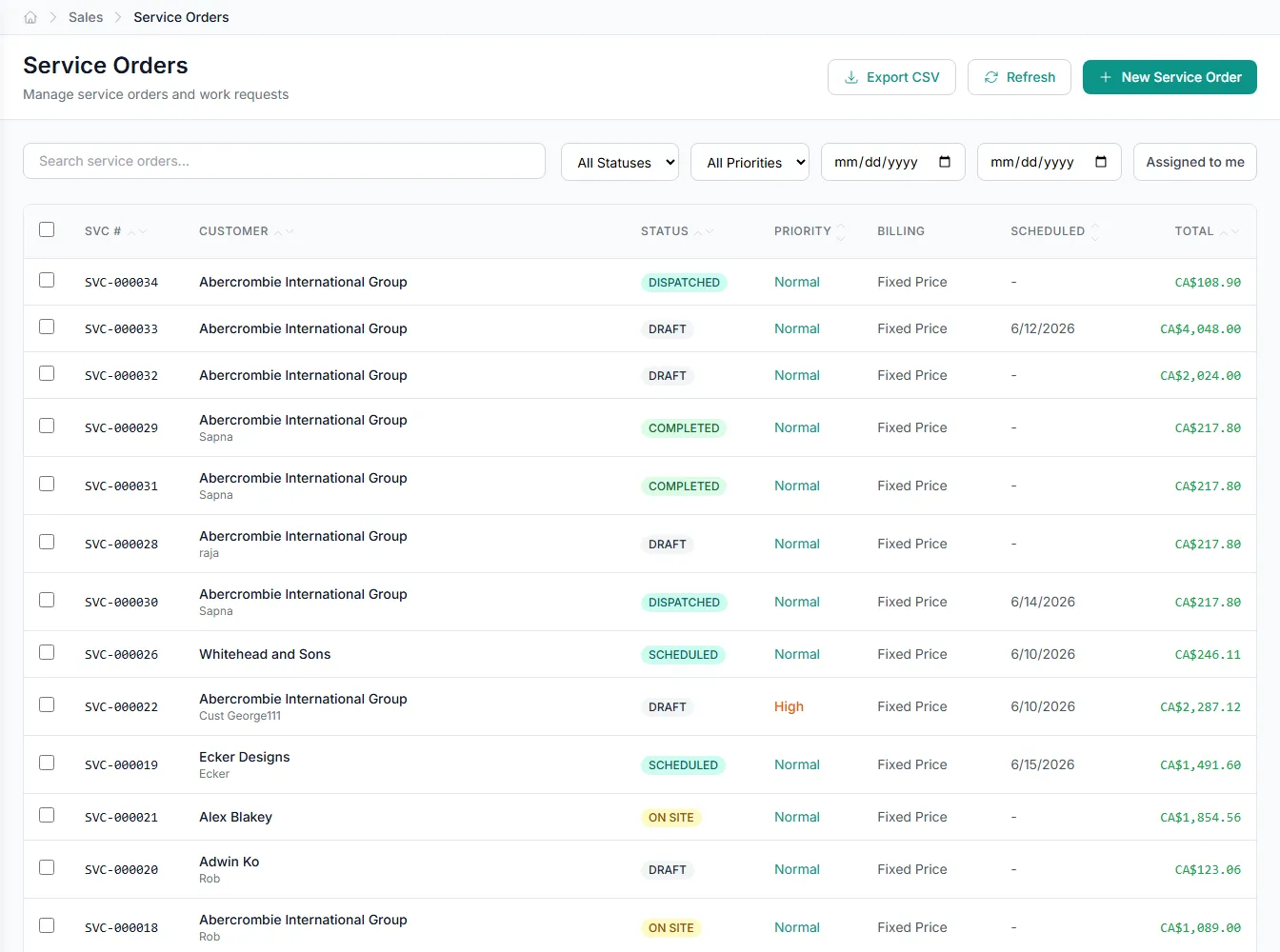
Inside service orders
Pick an area to see what the automation handles for you.
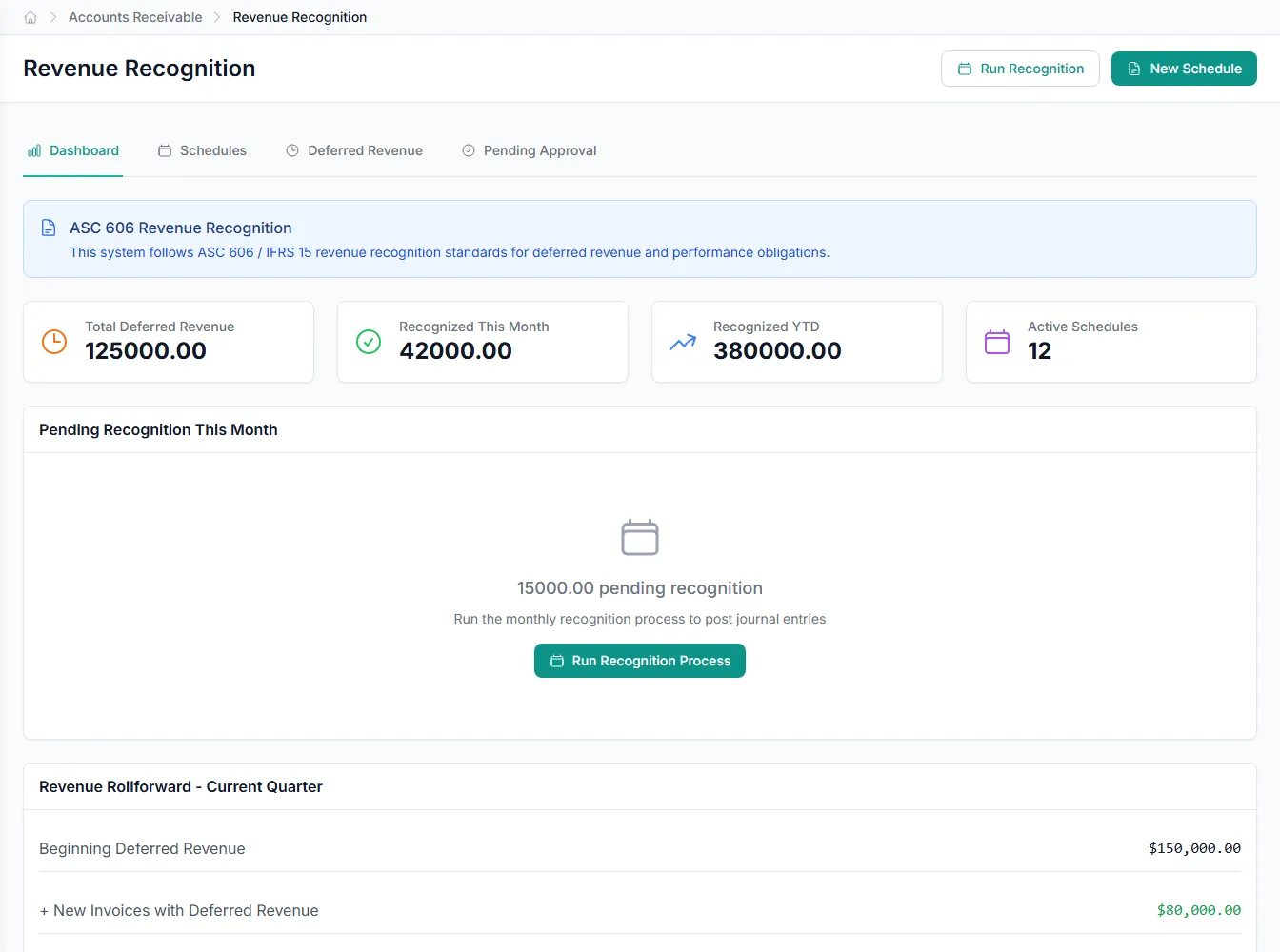
Knows a service job when it sees one
Requests arrive in all shapes: email, form, message. GenLedge recognizes each one as a service job and gets it moving, so nothing sits waiting in an inbox.
- Picks up requests from email, forms, and messages
- Recognizes each one as a service job
- Nothing falls through the cracks
Invoiced from what your techs actually did
Instead of the office piecing a job back together from memory, the invoice is built from the technician's own completion report: the hours, the parts, the travel, the photos. Customers get billed for the real work, and nothing gets left off.
- Every billable captured from the field
- No office re-keying
- Nothing missed, nothing double-billed
Your team reviews, then it goes
Finished invoices come to your team to approve before they reach the customer. You stay in control of what goes out, and every job is recorded start to finish, from the request to the invoice.
- You approve before anything sends
- Full record from request to invoice
- You stay in control
Customers and techs both hear back faster
GenLedge drafts customer replies from your technicians' notes and answers technicians' questions about their jobs. Customers get quick, clear updates, and your field team keeps working instead of waiting on the office.
- Customer replies drafted and ready
- Technicians get answers on the spot
- Less back-and-forth all around
Powerful automation, fully under your control
Robust, secure, private, and transparent, so you get the speed of automation without giving up oversight.
You stay in control
The automation does the busywork; your team approves the decisions that matter. Nothing important happens without a person's sign-off.
Everything is on the record
Every action is captured and explainable, so month-end and audits are a lookup, not a scramble.
Your data stays yours
Your information is isolated to your business, encrypted, and never used to train anyone else's systems.
Robust and always on
It runs around the clock with the checks and safeguards to keep your books accurate and your work moving.
Integrates with your existing tools


Questions about service orders
Only if you want it to. Finished invoices come to your team to review before they reach the customer, so you decide what goes out. Many teams start with everything in review and open it up as trust builds.
See service orders on your own work
Book a free AI workshop and we'll run it on a real workflow from your business, so you can see the value before you commit.